
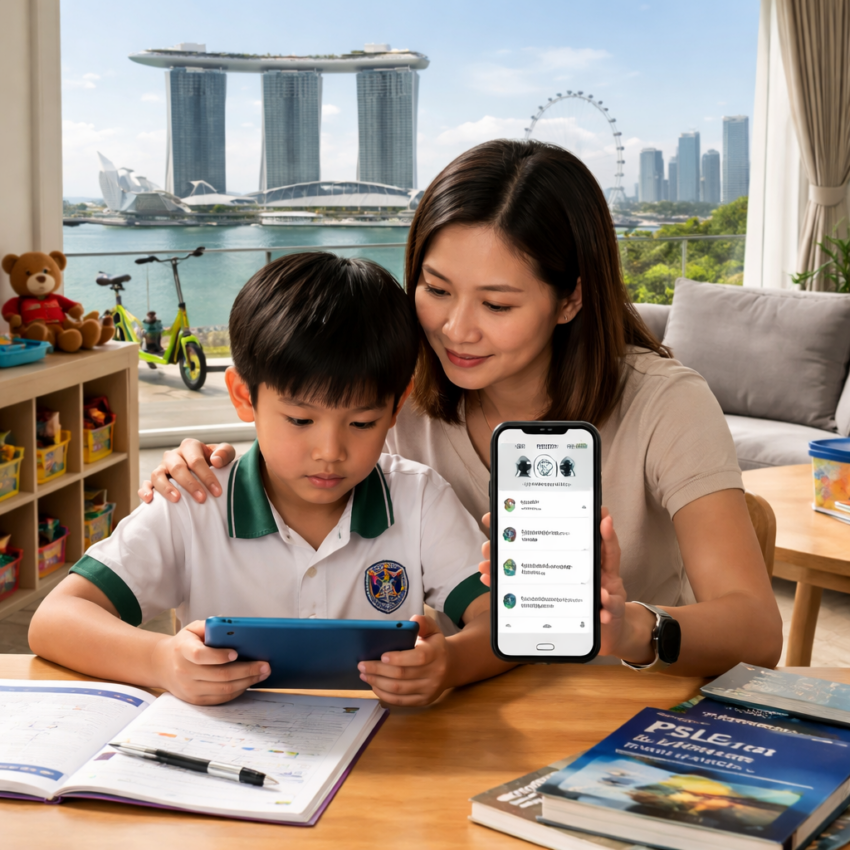
Executive Summary:
- Raising a child in a digital-first world feels exciting but it also comes with a quiet layer of concern that most parents don’t talk about enough. Screens are everywhere. People often don’t realise how dangerous it is to see unsafe content. You might believe you can monitor everything manually but realistically, that’s not sustainable in the long run. It isn’t practical. These apps are designed to give you visibility without invading trust completely. Balance is maintained.
- They help you track screen time, filter harmful content, monitor app usage and even manage study time especially useful when your child is enrolled in something like PSLE online tuition, where distraction is just one tap away. Focus improves.
Managing your child’s smartphone usage has become a real concern for most parents today. It is not simple anymore. You want to keep them safe without invading their privacy. A balance is needed.
With increasing screen time, social media exposure and online risks, guidance must be more intentional than ever. And tools can help. That is where parental control apps come into the picture. They make things easier.
Why Parents Are Turning to Parental Control Apps
You cannot monitor everything manually all the time. It gets overwhelming. Parental control apps allow you to track, manage and guide your child’s online behaviour in a structured way. That brings some relief.
Important Things to Look for
You should look for ways to limit screen time, block apps and filter content. These are essential. Some apps also offer location tracking, activity reports and remote device management. That adds control.
Best Parental Control Apps to Think About
1. Qustodio
Qustodio maintains an easy-to-use interface while providing you with comprehensive insights into your child’s digital habits. It is widely appreciated. You can monitor calls, messages, apps and even YouTube activity. That’s comprehensive. It also allows you to set daily screen limits and block inappropriate content effectively. Control stays in your hands.
2. Norton Family
Norton Family focuses heavily on building healthy digital habits rather than just restricting usage. That approach feels balanced. It lets you supervise search activity, track location and set time limits for device usage. Everything is monitored. Parents often prefer it because it encourages conversations instead of strict enforcement. That makes a difference.
3. Google Family Link
Google Family Link works seamlessly for Android users and integrates naturally with Google accounts. Setup is straightforward. You can approve app downloads, set screen limits and monitor usage patterns easily. Control becomes simple. It also allows you to lock devices remotely when needed. That’s useful.
4. Bark
5. Net Nanny
Net Nanny is one of the older and more established parental control apps in the market. It has evolved.
Supporting Your Child’s Learning Alongside Screen Use
Smartphone usage is not always negative when managed correctly. It can be productive. Many students use their devices for educational purposes like PSLE online tuition. Learning becomes accessible.
With the right apps and guidance, screen time can be redirected towards skill-building and academic improvement. That changes the perspective. Balance is the goal. Not a restriction alone.
Common Mistakes Parents Should Avoid
Some parents rely too heavily on apps without proper communication. That creates gaps. You should avoid setting overly strict restrictions without explanation. It can lead to resistance. Children need guidance, not just control, to understand responsible digital behaviour. That makes a difference. Ignoring updates and app settings can also reduce effectiveness. It should be reviewed regularly.
Final Thoughts
Parental control apps are valuable tools today. They support safer usage. You can help your child use their smartphone in a way that is good for them while still giving them room to learn and grow. That balance is important.
From choosing among top-rated parental control apps to encouraging productive activities like PSLE online tuition, the goal is to create a healthy digital environment. And that is achievable. The right parental control apps don’t just protect your child, they help them grow into responsible digital users. And that matters more than anything.
FAQs
Do parental control apps help students study better?
Yes, they can help by keeping you from getting distracted and helping you manage your time better. They support structure. When combined with productive activities like PSLE online tuition, screen time can be used more effectively for learning. That improves outcomes.
Can parental control apps replace parental guidance?
No, they are only tools to support parenting. They are not a substitute. Regular communication, guidance and trust are still essential in helping children develop responsible digital habits. And that remains the priority.
